The latest Apple mobile operating system, the iOS 9, was officially released on September 16, exactly one week after the American tech giant’s “One More Thing” event launching its latest iPhones, iPads, and the new Apple TV.
The Apple iOS 9 came out as hyped and it arrived with many great new features anchored on proactivity. It also turned out to be a more intelligent mobile OS.
But what takes the cake from the latest Apple software are the hidden gems or secret features that ultimately distinguish the power users from the average users. Forbes actually listed at least 25 of those secret features, which it grouped into various categories.
The categories for the hidden gems of the Apple iOS 9 includes camera and video, battery, messaging convenience, Safari shortcuts, easier inputs, and pro-productivity. These secret features are not instantly available once a user opens his or her iOS device that already has the iOS 9 on it because these need to be activated first.
In the case for example of the camera and video, the Apple iOS 9 comes with features like zoom-in videos, which was available only in photos previously but is now applicable to videos too, hide photos, fast photo selection, fast photo scanning, and easy close photo shortcut.
For the battery, the Apple iOS 9 already has the hidden battery widget, the detailed battery usage, and the manually enable low power mode.
As for messaging convenience, Apple iOS 9 users now enjoy quick calls and messages, quick reply, group notifications, new voices, and easy close attachments on messages.
Indeed, the iOS 9 came with great features and it has certainly raise the productivity levels of iOS devices several notches higher but for whatever else that Apple may have missed to include, iOS users can always look forward to the iOS 10.
Complaints on ‘Slide to Upgrade’ screen
Meanwhile, Apple has received a number of complaints from some iOS device users that the ‘Slide to Upgrade’ screen won’t go away after they update their devices to iOS 9.
Apple Support explained that when such screen does not respond, they should connect their iOS device to a computer while making sure that the iTunes is open.
From the iTunes, they need to select their device. But if they don’t see the device in the list, they should force restart by pressing and holding both the Sleep/Wake and Home button for at least 10 seconds, until he or she sees the Apple logo.
If the user made an iTunes backup of his or her iOS device before updating to iOS 9, he or she can restore the device from the backup. But if a backup has not been made on iTunes, then he or she can just restore from the backup. The ‘Slide to Upgrade’ screen will be gone by then.
However, if the same screen still appears after completing the previous steps, users are advice to just restore their device and once the restore is complete, set up the device as new and it would no longer show the ‘Slide to Upgrade’ screen.
Building on the gains of its predecessors
The Apple iOS 9 builds on the contents introduced with iOS 7 and iOS 8, bringing along subtle design changes, refined features and improved functionality, as well as performance enhancements.
What makes the newest mobile operating system stand out from its predecessors is the fact that its biggest focus is on intelligence and proactivity, which enables iOS devices to learn user habits and act on that information.
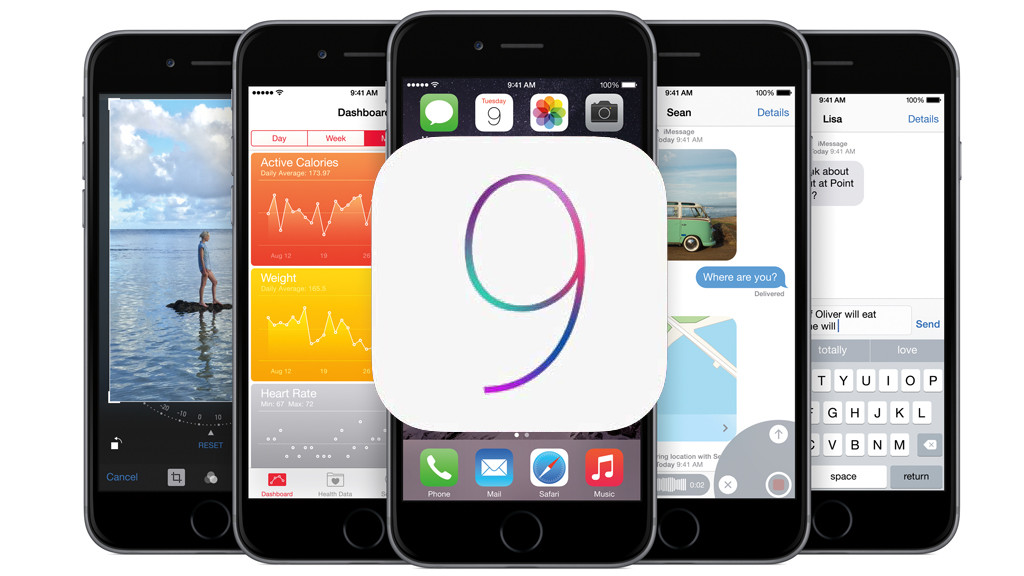
The intelligence of the iOS 9 is largely because of the Proactive Suggestions feature that turns the iOS device, be it an iPhone or an iPad, into a lifestyle management tool and makes personal assistant Siri more responsive and able to complete more tasks than ever before.
Proactive Suggestions actually opens up apps even before the user needs them, making recommendation on places that the user might like to go, and guiding the user through his daily routine to ensure that he gets to the right place and appointment at the right time.